Open a folder
Click the folder area or drag a shoot folder straight onto the window. QuickD loads JPEG and RAW files into a single focused queue.
The workflow is intentionally direct: open a shoot folder, optionally scan for blinks, move through every image with keyboard decisions, then review before anything is moved to Trash.
Choose Low, Medium, or High sensitivity. QuickD scans the shoot, shows every flagged image in a review grid, and lets you un-flag frames before they are marked for deletion.
The model downloads once, about 30 MB, then runs offline on your computer for future scans.
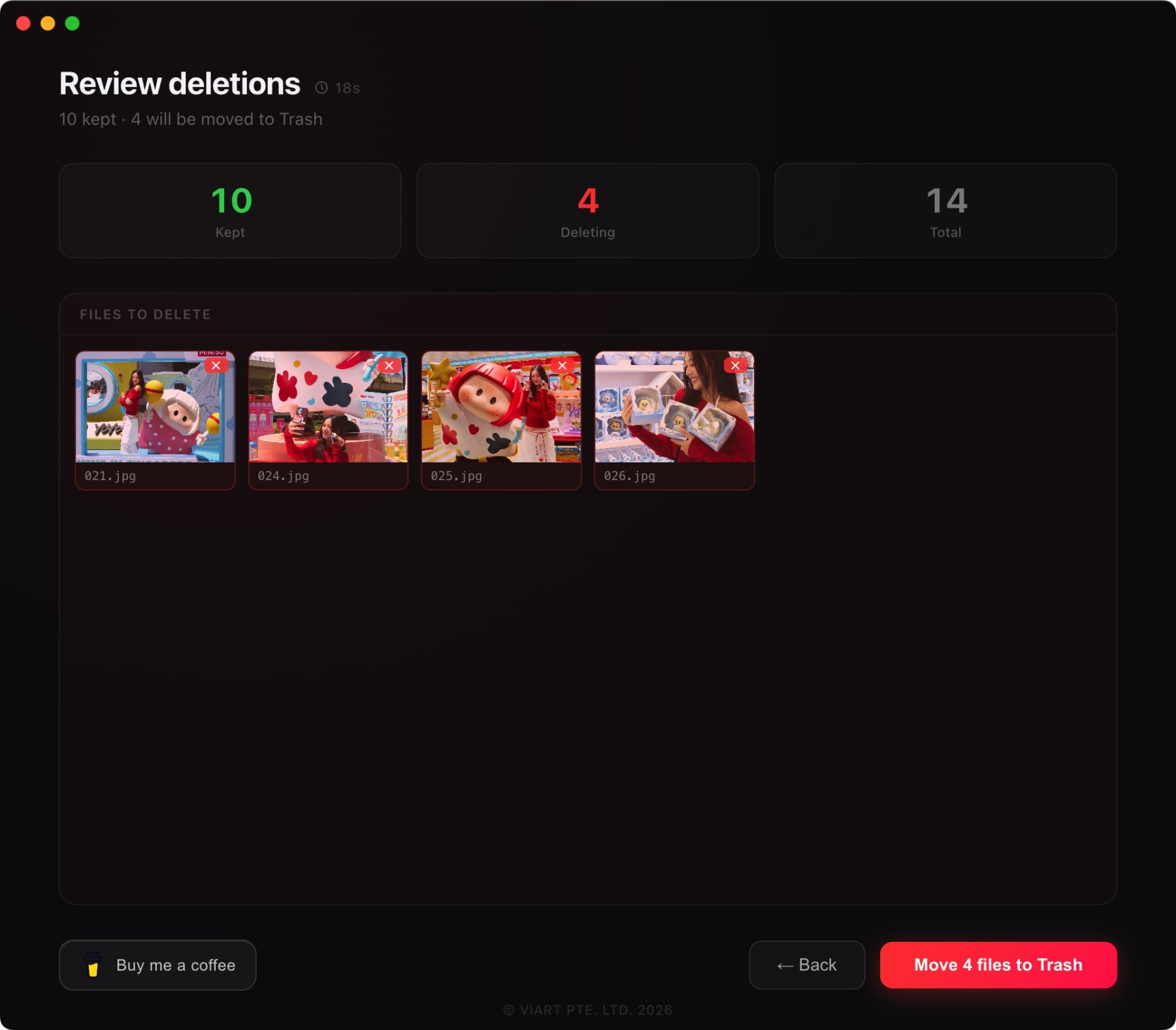
At the end of a session, QuickD shows a summary screen with red thumbnails for manual deletion and blue thumbnails for AI blink flags. You can go back before committing.
When you confirm, files move to the system Trash. They are not permanently deleted, so recovery stays possible.
Click the folder area or drag a shoot folder straight onto the window. QuickD loads JPEG and RAW files into a single focused queue.
Run a local blink scan before culling. Choose low, medium, or high sensitivity, then review every flagged frame before it is hidden from the queue.
Use J or left arrow to mark delete, K or right arrow to keep, H and L to move through the shoot, U to undo, and Space to inspect in zoom view.
Check a final summary grid before anything moves. Manual deletes and AI blink flags stay separated, and files go to system Trash, not permanent deletion.
Available for macOS and Windows. RAW conversion is supported on macOS, while JPEG culling works across both platforms.